Managing documents efficiently is not simply about storing files. Businesses need to move documents through review, approval, signing and archiving processes quickly, securely and with as little manual administration as possible.
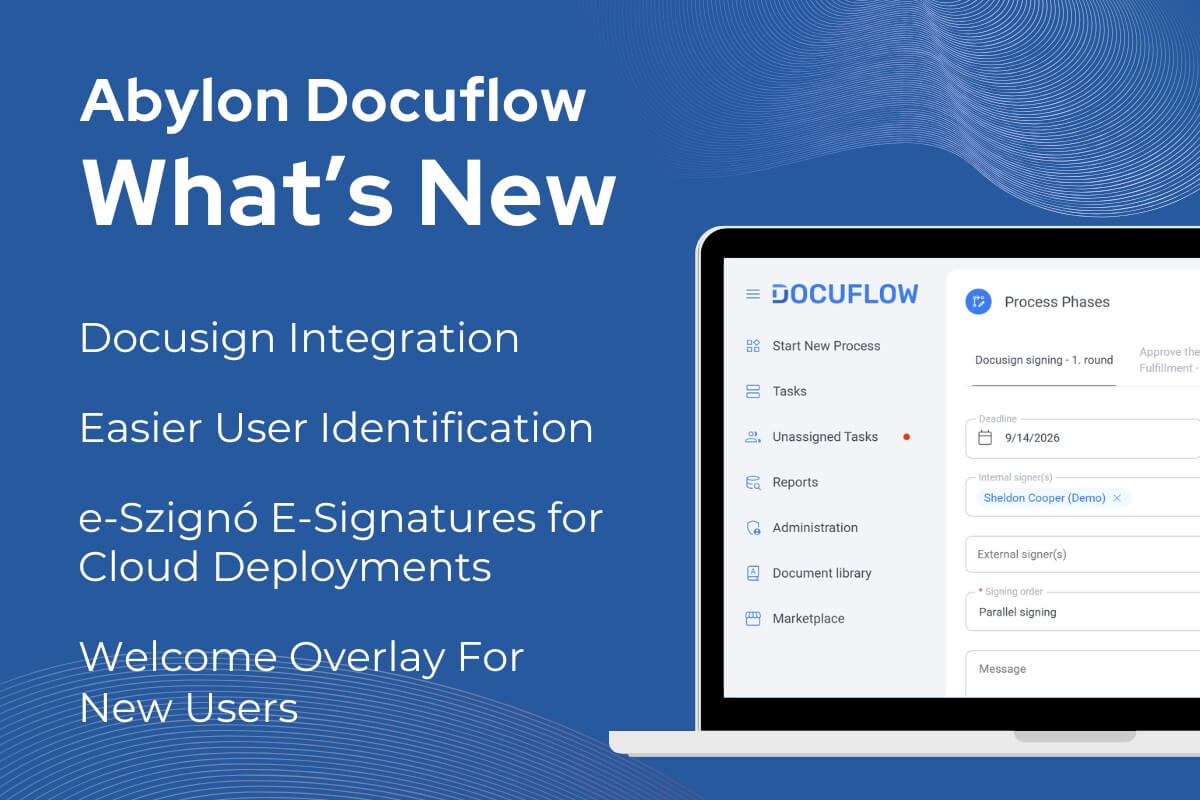
The latest Docuflow update takes another step in this direction. Alongside usability improvements and important reliability fixes, the new release introduces Docusign integration, helping organisations create a more connected digital document workflow from approval through electronic signing to controlled archiving.
Docusign Integration: From Document Approval to Electronic Signature in One Workflow
One of the most significant enhancements is the integration of Docuflow with Docusign, combining document workflow management and electronic signing within a connected process.
Instead of moving documents manually between different systems, sending separate emails to signatories and tracking signing progress independently, organisations can manage the process directly as part of their Docuflow workflow.
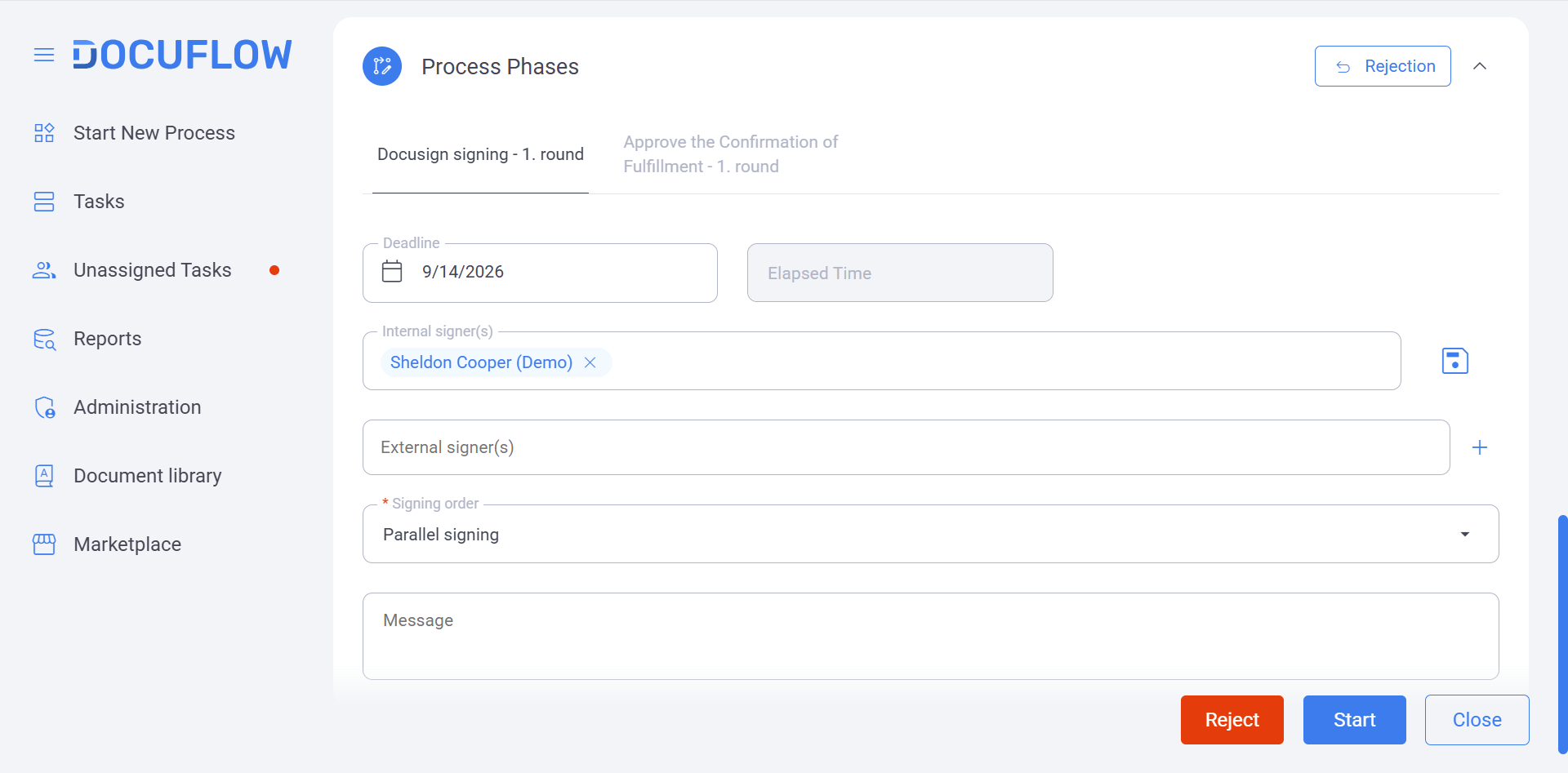
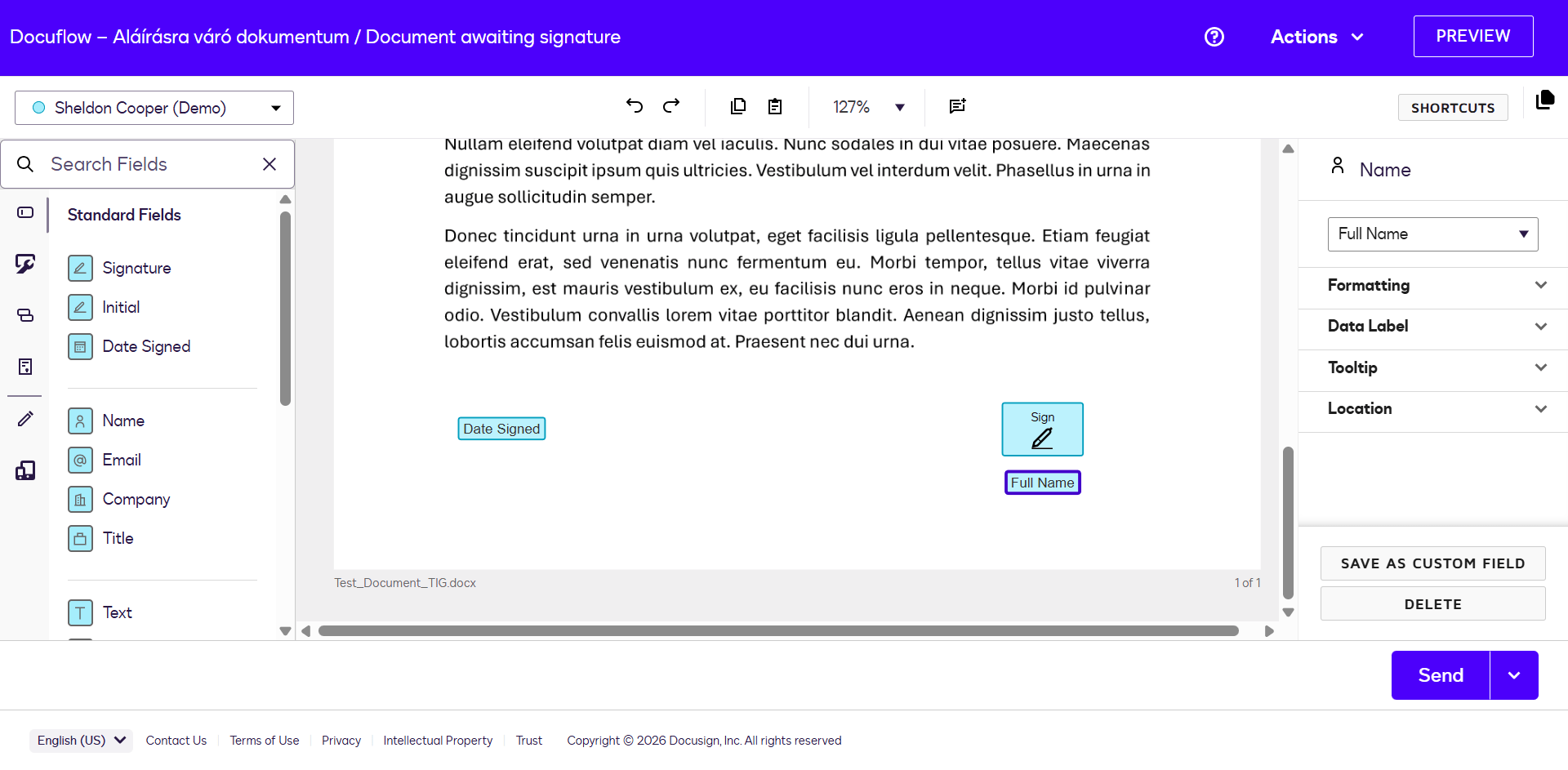
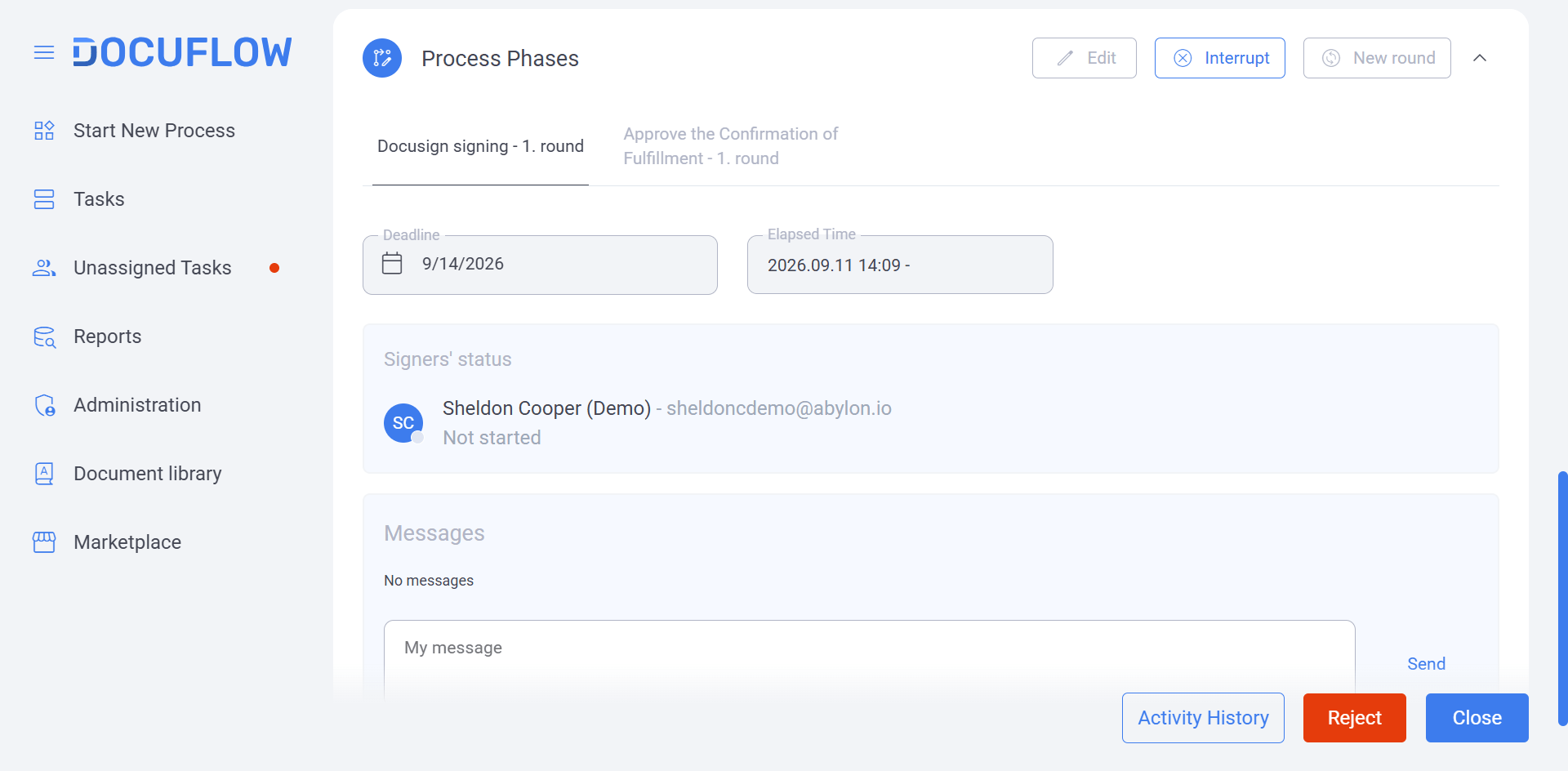
Once a document has completed the required review and approval steps in Docuflow, it can be sent to the designated signatories through Docusign. Signing statuses are automatically tracked, and once the signing process has been completed, the document can return to Docuflow for controlled archiving and further processing.
- Adapted to Your Approval and Signing Processes
Document processes differ significantly between organisations. For this reason, Docusign integration can be configured around individual business requirements, including:
- approval and signing processes
- participant and signatory roles
- document routing
- signing sequences
- archiving requirements
- organisation-specific workflow rules
This makes it possible to integrate electronic signatures into existing business processes rather than forcing teams to redesign their processes around the technology.
- Less Administration, Faster Document Turnaround
Connecting document workflow management with Docusign can eliminate several manual steps typically associated with signing processes.
For users, this means fewer system changes and less manual tracking. For organisations, it can mean shorter document turnaround times, fewer administrative errors and greater process transparency.
The result is a more streamlined experience for both internal users and external participants, with each stage of the document lifecycle easier to follow and manage.
Making Docuflow Easier from the First Login
Technology delivers the greatest value when people can use it confidently. Several improvements in the latest release therefore focus specifically on the everyday Docuflow user experience.
- A Smoother Start for New Users
The new Welcome Overlay provides an interactive introduction to Docuflow, guiding new users through key features and helping them understand how to navigate the platform.
Instead of relying entirely on manuals, separate training sessions or trial and error, users can learn the essential functions directly within the application.
For organisations onboarding new colleagues or introducing Docuflow to additional teams, this can simplify adoption, reduce initial uncertainty and help users become productive faster.
- Important Actions Always Within Reach
The new Sticky Button is a small interface improvement with a practical impact.
When users work with longer forms, pages or document workflows, important actions remain accessible while they navigate through the content. There is no need to scroll back through a page simply to find the relevant control.
It is a simple change designed to remove friction from repetitive everyday tasks.
- Smarter Communication Inside the Platform
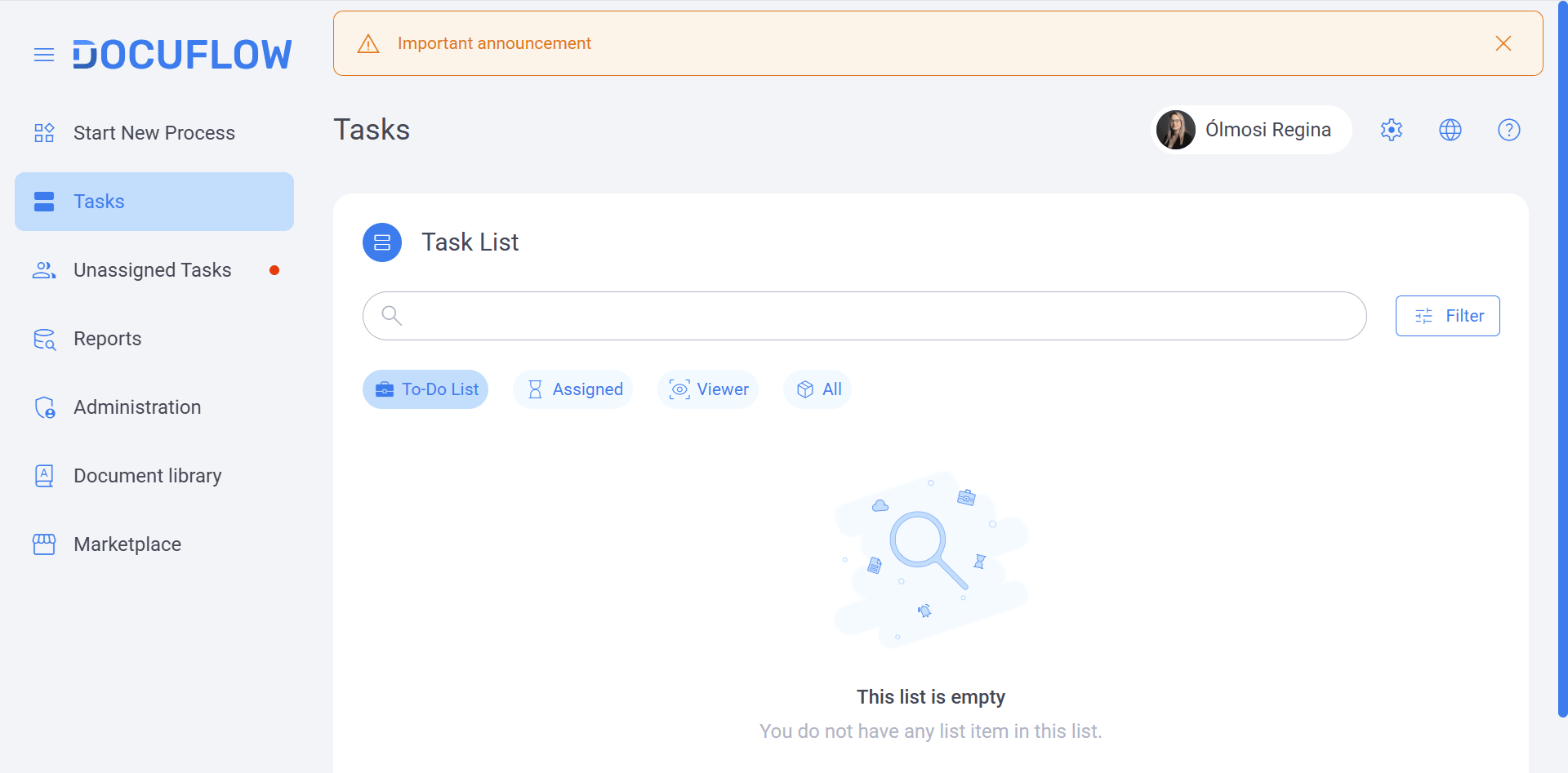
Keeping users informed about system-related information is also easier with the introduction of a configurable Notification Banner.
Administrators can publish announcements directly within Docuflow, including:
- system information
- planned maintenance
- important reminders
- operational notices
- time-sensitive user information
Notifications can also be scheduled for a specific period. This ensures that messages appear when they are relevant and automatically disappear afterwards.
Instead of relying exclusively on emails or separate communication channels, organisations can place important information directly where users are working.
Faster and Easier User Identification
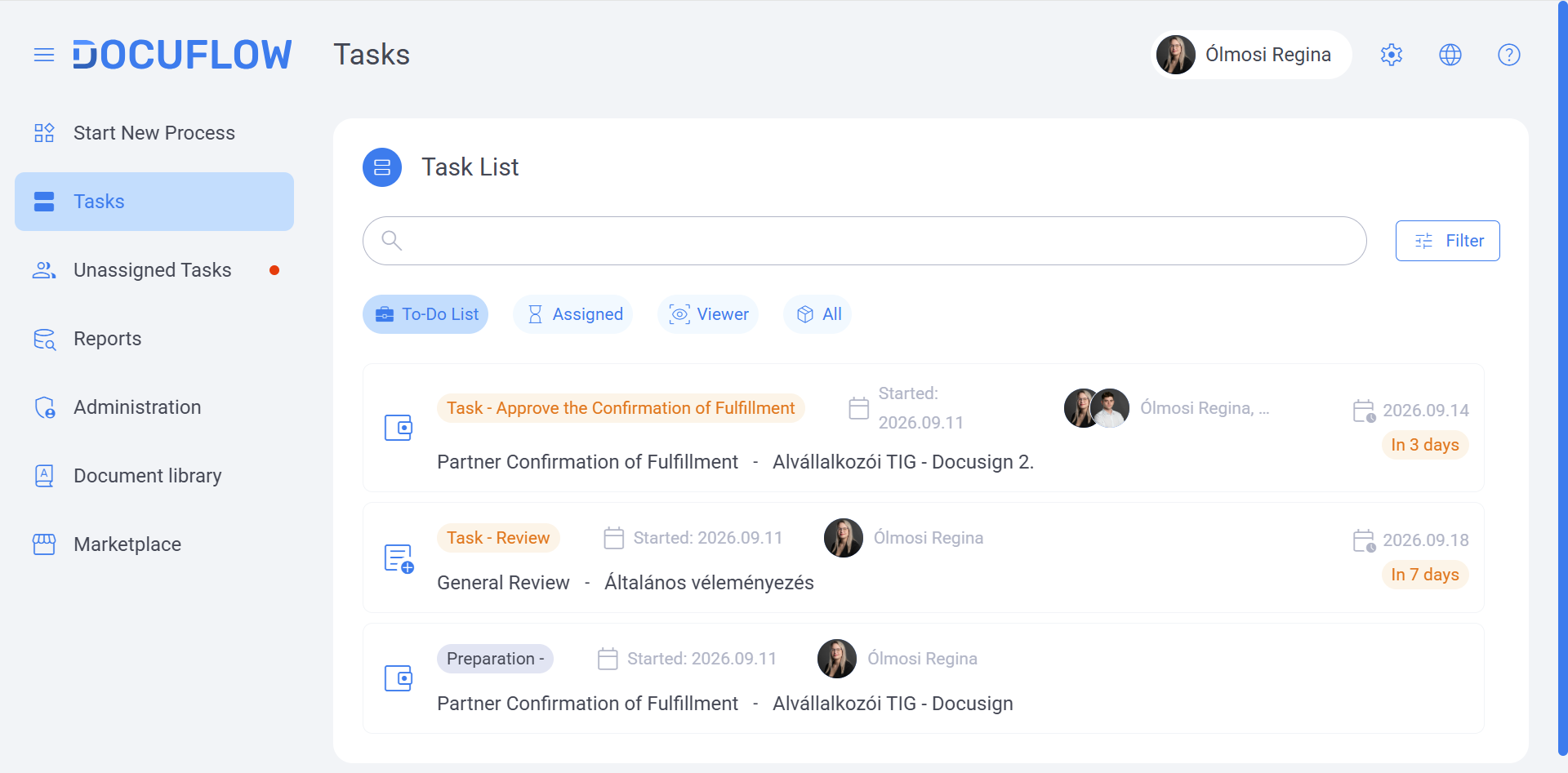
User selection fields have also been improved by displaying profile pictures alongside users’ names.
This makes it easier to identify the correct colleague, particularly in larger organisations or environments where several employees may have similar names.
Although relatively small from a technical perspective, improvements like this can make frequent workflow actions significantly more intuitive.
Electronic Signatures for Cloud-Based Docuflow Environments
The latest version also introduces e-Szignó (Qualified Electronic Signature) support in cloud-based Docuflow deployments.
This expands the possibilities for organisations looking to digitise document processes and reduce dependency on manual or paper-based signing steps.
Together with the new Docusign integration, electronic signature capabilities strengthen Docuflow’s role as a platform for managing increasingly digital document lifecycles, from initial workflow steps through approval and signing to final archiving.
More Information, Less Scrolling
Docuflow forms have been optimised to make better use of available screen space.
By reducing unnecessary empty areas, more relevant information can now be displayed on a single screen. Users can see more of the information they need without repeatedly scrolling through longer forms.
The result is a more compact and practical interface designed around everyday document processing.
Adaptable Foundation for Future Integrations
Some of the most important improvements in a software platform are not immediately visible to users.
Docuflow now supports the parallel operation of multiple plugins, creating a more flexible technical architecture for integrations and future enhancements.
- Why Does This Matter?
Individual functionality and integrations can be developed and extended more independently. This reduces the likelihood that changes made in one area will have unintended effects elsewhere and provides a stronger foundation for introducing additional integrations.
For customers, this means Docuflow is becoming better positioned to evolve alongside changing business processes and technology environments.
Reliability Improvements Across Everyday Workflows
Alongside the new functionality, the release includes several fixes aimed at improving the stability and predictability of everyday document workflows.
Updates include:
- substitute users can now transfer tasks correctly within a workflow phase
- substitute users can generate opinion summaries as expected
- the opinion field is no longer incorrectly marked as mandatory when a user selects agreement
- affected workflows can be reopened correctly following improvements to the reopening function
- compatibility with the latest version of Safari has been optimised and fine-tuned
These corrections may be less visible than new features, but they are essential to creating a reliable platform for business-critical document processes.
From Approval to Signature: A Better-Connected Document Journey
The latest Docuflow release combines highly visible usability improvements with deeper technical developments.
The Docusign integration is an important step forward, enabling organizations to connect document review, approval, electronic signing and archiving within a more seamless process. At the same time, improvements to onboarding, navigation, communication, cloud-based electronic signatures and the underlying technical architecture make Docuflow easier to use and more flexible for future requirements.
For enterprises aiming to reduce manual document administration, accelerate approval and signing processes and create more transparent digital workflows, these developments open new possibilities for managing documents more efficiently from start to finish.
Interested in connecting document workflows, approvals and electronic signatures in one streamlined process? Contact Abylon to discover how Docuflow can be configured around your organization’s document management and approval requirements.