Docuflow 2026 Q2 – New Features and Improvements
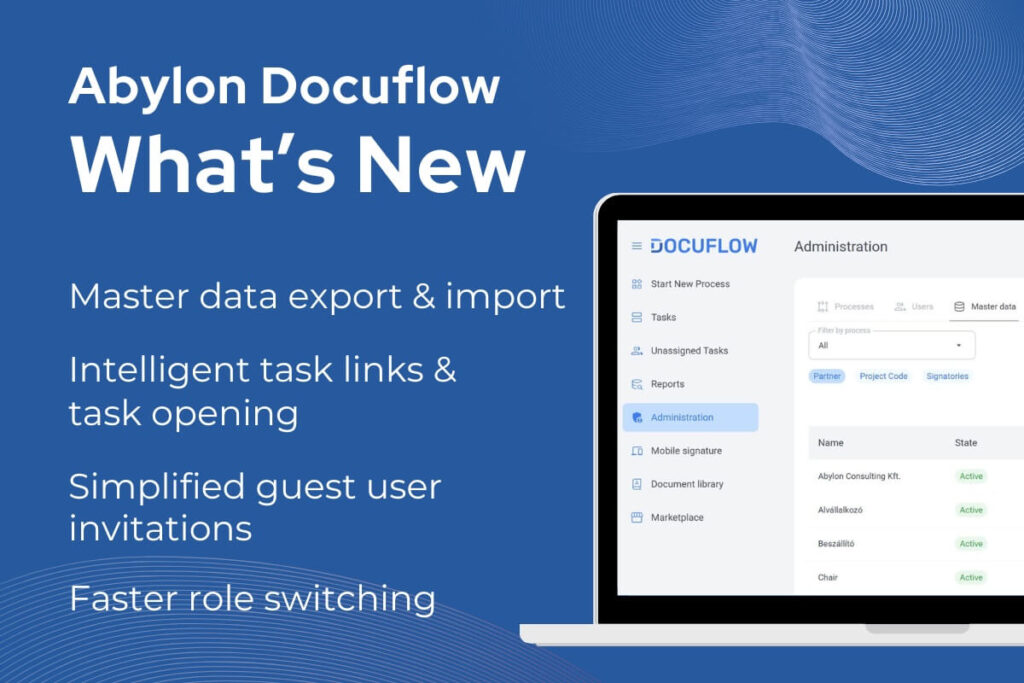
The latest 2026 Q2 version of Abylon Docuflow has been released, introducing several new features and improvements to support more efficient management of document-driven business processes.
Docuflow is a SharePoint-based enterprise workflow and document management platform that helps organizations digitalize and automate approval, review, and collaboration processes. The solution supports procurement, contract management, regulation management, and other document-centric workflows while reducing manual administration and improving transparency.
Docuflow is continuously evolving to meet changing customer needs and modern enterprise expectations. The focus of the 2026 Q2 release was to further enhance user experience, simplify administration, and improve overall system stability. The new version introduces smarter task handling, enhanced master data management capabilities, more flexible permission management, improved mobile usability, and several performance and stability optimizations.
User Experience & Workflow Efficiency
- Intelligent task links and task opening
Tasks opened from emails or task lists now automatically open in the most relevant view, allowing users to complete actions faster and more efficiently.
- Faster role switching between views
When a user acts both as a participant and document owner, a new toggle button enables quick switching between the different views.
- Master data export and import
New export and import capabilities simplify and accelerate administrative processes and master data management.
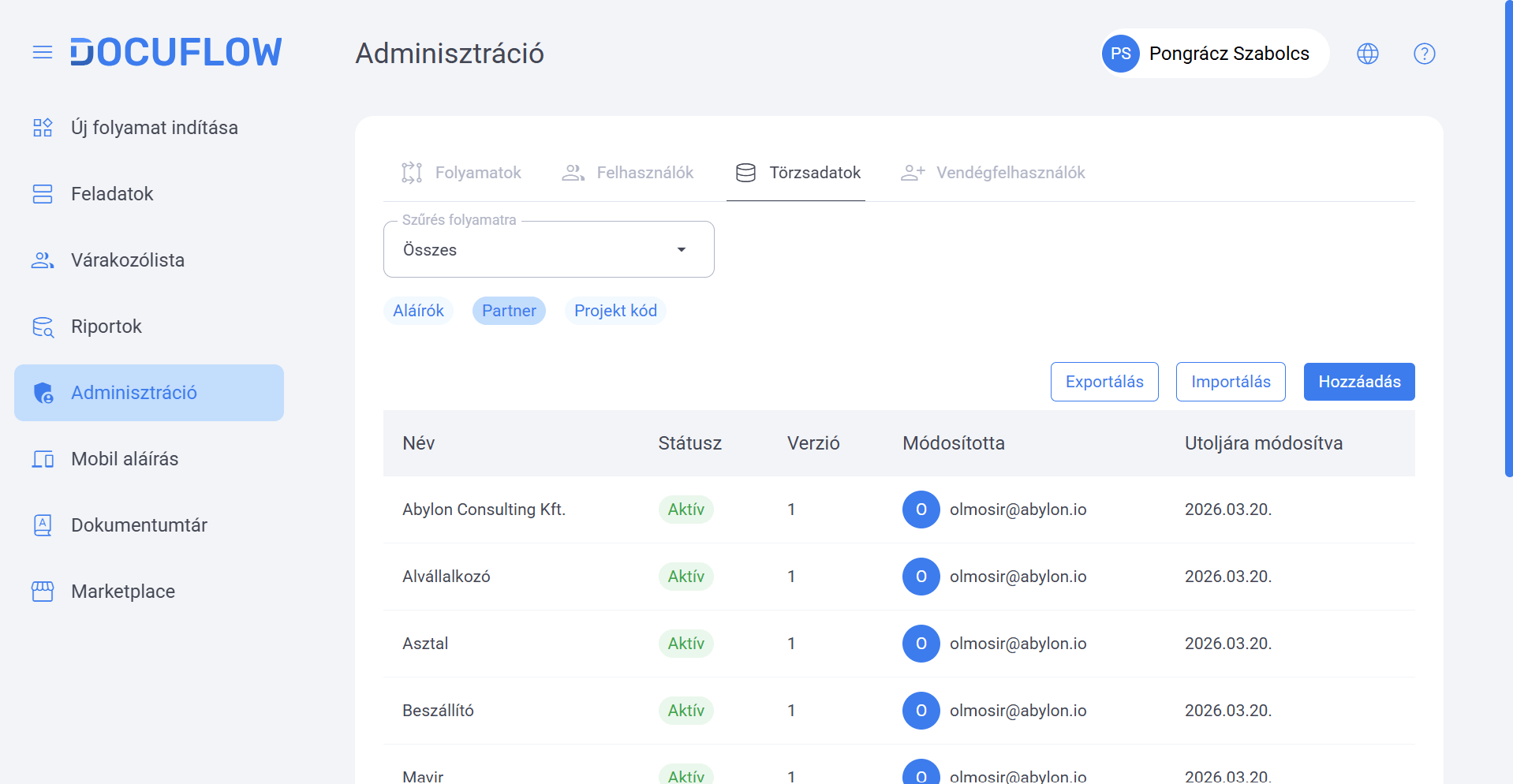
- Advanced master data filtering
New filtering options provide faster search and more efficient navigation when managing master data.
- Refreshed History page
The History page has been redesigned with an updated appearance and expanded information structure for more transparent process tracking.
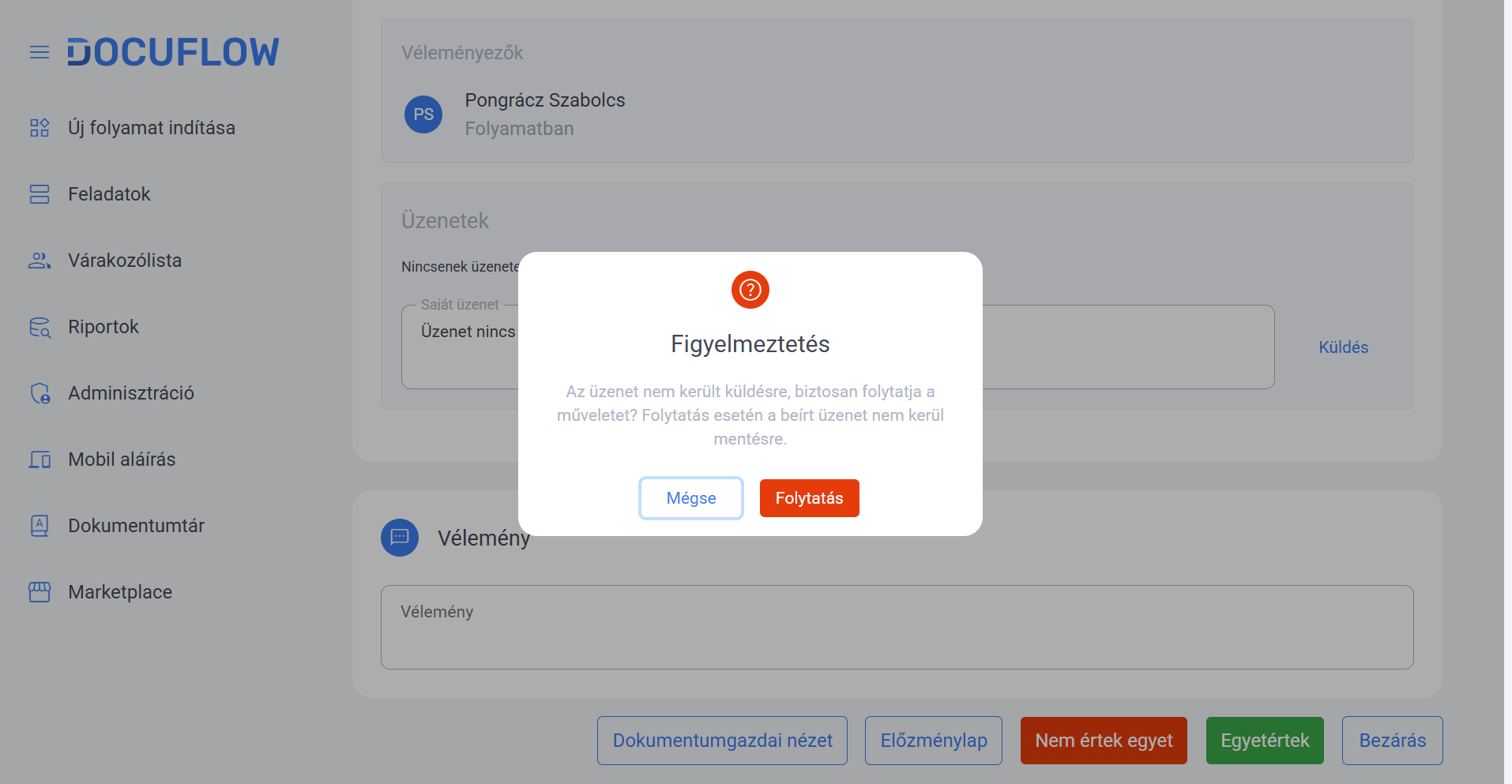
- Warning for unsent messages
A new warning function helps prevent users from accidentally closing tasks without sending their messages.
- Group-based viewer permissions
Viewer permissions can now be assigned not only to individual users but also to groups, enabling more flexible access management.
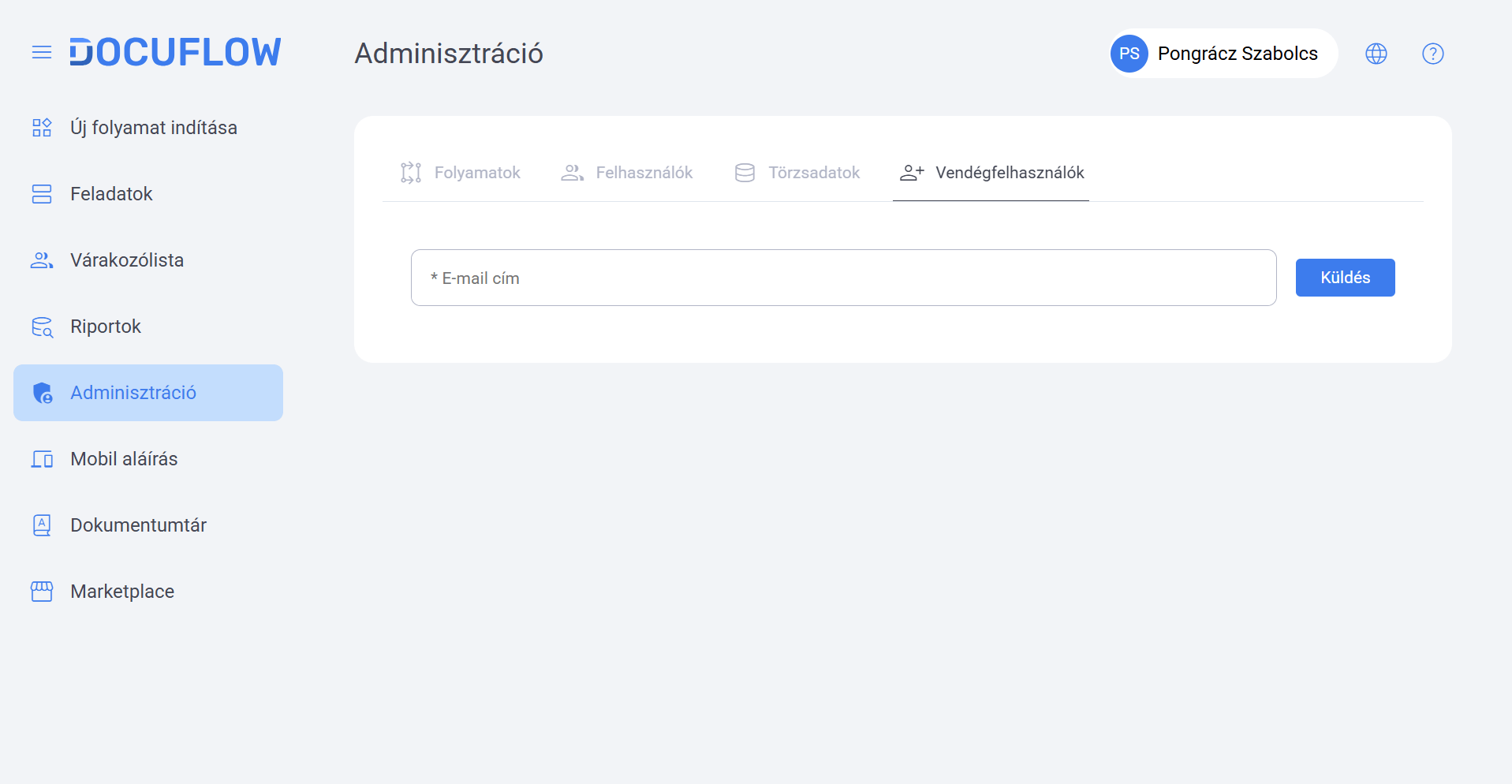
- Simplified guest user invitations
Administrators can now quickly and securely invite external users through email-based invitations.
- Improved responsive and mobile experience
The interface has been further optimized for different screen sizes, providing a smoother and more user-friendly mobile experience.
Stability & Performance Improvements
- Improved stability and save processes
Several system processes have been optimized to provide more stable operation and more reliable save functionality, especially during high system load or longer user sessions.
- Enhanced email and task handling
Improvements have been introduced to email notifications and task opening processes to ensure a more consistent and efficient user experience.
- Optimized file and permission management
The release includes several optimizations related to file handling and permission management, supporting more reliable process execution and improved handling of large files.
- General UI and operational improvements
Numerous smaller interface and operational enhancements have been implemented to provide a more stable and consistent user experience.